

Skip navigation

AI call answering for tenants, leasing and maintenance

Property Management Answering Service for Your Daily Calls

Our property management answering service answers as your business, takes leasing messages and routes urgent maintenance calls using your instructions. Try a fictional tenant, prospect or owner call in your browser to hear your AI receptionist handle the details.

Send urgent maintenance to your on-call contact and give leasing inquiries a clear next step.

Try a tenant call Get a free trial

Free trial: 14 days, up to 100 minutes (on request).PrivacySecurity

A maintenance technician at an apartment unit door with a toolbox, reading his phone
A property manager showing an empty bright apartment living room to a prospective tenant

Missed calls leave maintenance and leasing work waiting

A missed call can leave a prospect without showing details or a tenant waiting to report damage. Calls still need an answer during move-ins, maintenance visits, lunch breaks and nights.

  • Leasing gapsA prospect needs listing answers while your team handles another appointment.
  • Maintenance delaysA tenant's unfinished message leaves you chasing the unit and problem.
  • Evening interruptionsRoutine questions and urgent repairs reach the same on-call phone.
Show more

Calls compete with the work already in front of you. During leasing season, a showing runs into lunch; during a repair visit, an owner calls about a payout. A voicemail without a unit number adds another callback before you can act.

The cost is not just the time spent returning a message. An unanswered inquiry can leave a showing unarranged, while a maintenance report can sit without an urgency check. Your receptionist gathers the reason for the call and the details needed for follow-up. You choose whether to forward all calls or only the ones your team cannot answer.

Collect caller details and flag maintenance urgency

Your receptionist asks who is calling, which property or unit is involved and what needs attention. It applies your urgency rules and records a message your team can use.

  • Caller contextIdentify a tenant, owner or prospect before gathering the relevant details.
  • Urgency rulesFlag maintenance problems using the instructions you provide during setup.
  • Useful messagesReceive a summary, urgency tag, transcript and recording for follow-up.
Show more

A property management call answering service needs different questions for different callers. A tenant reporting a leak needs to give the location and describe what is happening. A prospect asking about pets needs the listing policy you supplied. An owner asking about a payout needs a message routed for your callback.

Your receptionist uses your instructions to flag urgent calls and warm transfer or page your on-call contact. For a gas smell or flooding near electricity, its safety script tells the caller to get everyone out and call 911 or the utility from outside. For a fire, it tells the caller to get everyone out first, then call 911 from outside. It then alerts you. When a caller needs a decision or information you have not supplied, it takes the details for your callback.

Try tenant, prospect and owner calls in the demo

The browser demo below lets you test calls to a fictional property management business. Listen for the opening disclosure, the intake questions and the next step offered to each caller.

  • Maintenance testReport a burst pipe and listen for location and urgency questions.
  • Leasing testAsk about a two-bedroom and pets using the fictional listing facts.
  • Owner testAsk about a payout and hear how callback details are collected.
Show more

Start with the burst pipe in unit 4B at 2 a.m. Listen for the unit details, the description of the problem and the urgent handoff. Then try a tenant lockout or no heat in winter to hear how the fictional business's instructions guide the response.

For leasing, ask about a two-bedroom and the pet policy. For an owner call, ask about a payout and check what the receptionist takes down for a callback. The fire or gas-smell scenario tests safety instructions before maintenance routing.

These are fictional exercises for testing call handling. Use the full scenario demo to work through the calls without signing up.

Pretend business (fictional): Maple Court Property Management

First choose a scenario, then press Talk to the AI.

ExampleUrgent11:48 p.m.

New call for Maple Court Property Management

Burst pipe in unit 4B at 2 a.m.

Transferred to the on-call person. They get a short summary first and press 1 to accept the call.

Part of the transcript (example)

  1. Assistant Thank you for calling Maple Court Property Management. I am a virtual assistant, and this call is recorded. How can I help you?
  2. Caller Describes the situation: burst pipe in unit 4B at 2 a.m.
  3. Assistant First, is anyone in danger right now? I am bringing the on-call person onto the line.

Full transcript and recording are in the dashboard.
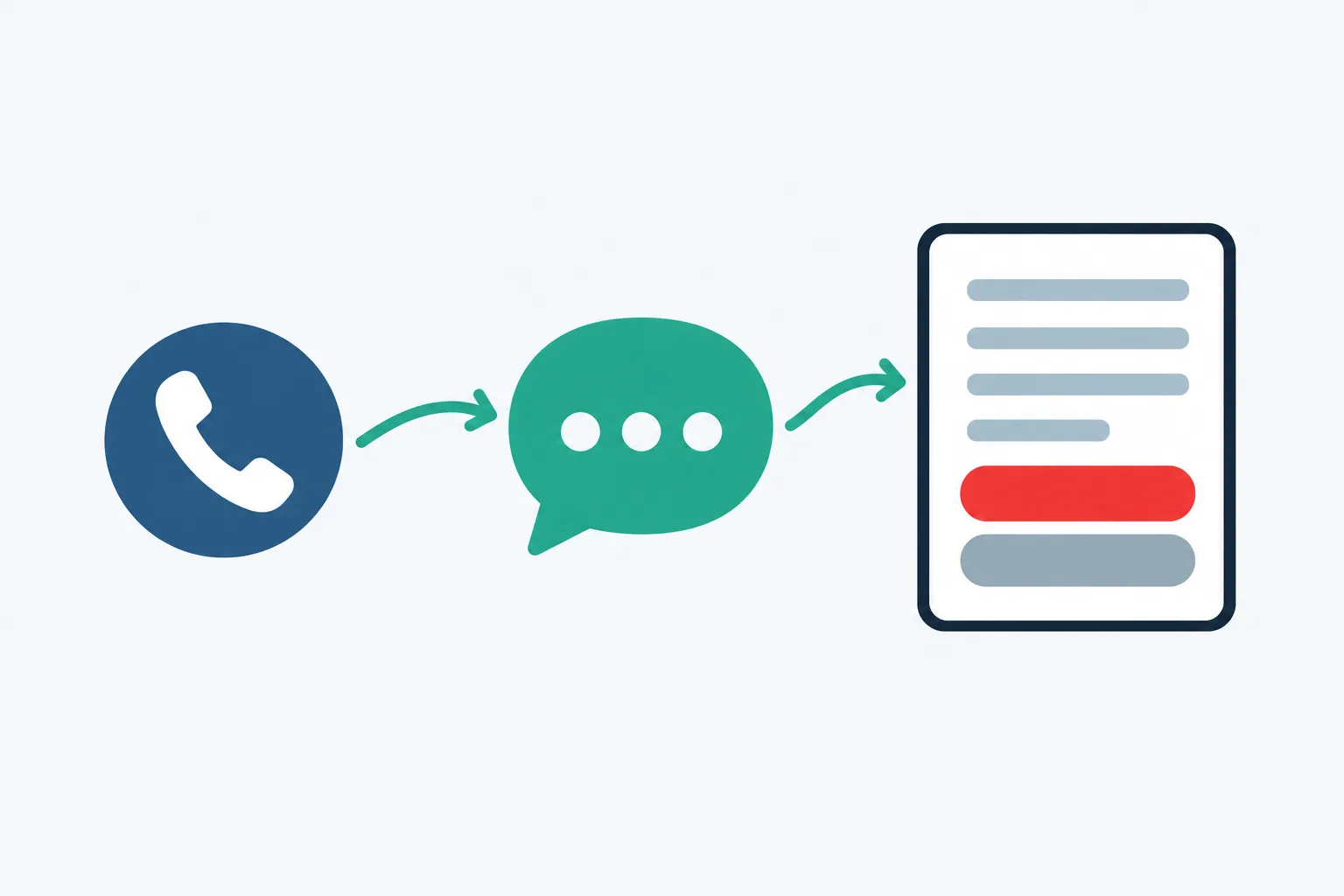
Example owner message after a call like this one.

Illustration: a phone call, an AI bubble, and a work-order card made of lines with a red Emergency pill shape and a grey Next-day pill

Forward your number and receive the call details

You forward your existing number, and the AI receptionist answers as your business. Email and app push alerts bring you the message, while appointments can go into Google Calendar.

  • Keep your numberSelect all-call forwarding or coverage for busy, unanswered or after-hours calls.
  • Receive alertsRead the summary and urgency tag through email and app push.
  • Arrange appointmentsBook into Google Calendar or collect details for your team's callback.
Show more

We provide a local number and a forwarding guide for your carrier or phone system. You choose when your business calls reach it, so your team can keep answering during office hours and use the receptionist for overflow or nights.

The greeting identifies the receptionist as a virtual assistant and announces recording. After a call, you receive the summary, urgency tag, transcript and recording by email and app push notification, with a daily digest email too. The dashboard holds calls, usage and settings. Appointments can be booked into Google Calendar; if your process needs a callback first, your receptionist takes the details instead.

Example dashboard with made-up calls

Compare AI answering, live staff and voicemail

Choose AI answering for structured intake, live staff for personal judgment, or voicemail for message collection without a conversation. The right choice depends on what callers need before your team calls back.

  • AI receptionistFollow your intake instructions and route urgency using the rules you set.
  • Live staffConsider personal judgment and relationship handling when a conversation needs interpretation.
  • VoicemailConsider whether a recorded message gives your team enough information to act.
Show more

An answering service for property management companies should be evaluated against the calls you actually receive. Test whether structured questions can gather enough detail for a repair request, a showing inquiry or an owner callback. Our AI receptionist follows your supplied information and routes calls according to your rules, but it can make mistakes.

Live staff bring judgment and personal knowledge to sensitive conversations. If that is central to your workflow, include it in the decision. With voicemail, ask whether callers will leave the property, unit, callback number and issue without being prompted. Compare the follow-up work each option leaves for your team, not just whether someone answers.

Compare call handling costs and our monthly plan

Compare each option's charges with the staff time a call still needs afterward. Our plan is $249 per month with 500 AI minutes included and $0.20 per extra minute.

  • AI usageLook at conversation time alongside the monthly plan and extra-minute rate.
  • Live serviceAsk how the provider bills calls, transfers and coverage you need.
  • Staff timeInclude message review, callbacks and scheduling work when comparing your options.
Show more

A useful per-call comparison starts with your own call log. Separate short owner messages from longer leasing conversations, then estimate how much answering time your selected coverage needs. For a live service, request its billing rules; for an employee, account for the time assigned to phones as well as other duties.

Our plan costs $249 per month, includes 500 AI minutes and bills extra minutes at $0.20 each. A conversation's length affects usage, so a call count alone does not describe your needs. Check the plan and trial details before forwarding calls during your requested free trial. Compare the work completed during the call and the work your staff still needs to do afterward.

Our plan

$249 a month

  • 500 AI minutes included
  • Extra minutes cost $0.20 each
  • Free trial: 14 days, up to 100 minutes (on request)
  • Pay month to month and cancel online

Case-study price: $199 per month, locked for 12 months, for 10 businesses that agree to a short case study about their results.

Get a free trial

Add-ons

  • Website chatAdd-on
  • Lead follow-up callsAdd-on

Use call summaries alongside your property software

You can enter call summaries into the property software you already use. Direct software connections are not live yet; the dashboard, email and app push alerts provide your call records.

  • Existing workflowUse the call summary when entering a maintenance request into your software.
  • Call recordCheck the transcript and recording if a message needs more context.
  • Connection requestsTell us which software connection would remove the most manual work.
Show more

If your team uses AppFolio, Buildium, Yardi Breeze or Voyager, Rent Manager, Propertyware or DoorLoop, keep your existing recordkeeping process. Your receptionist sends summaries that you can enter into those systems. A maintenance call does not automatically become a work order in your property software.

Use the urgency tag to decide which message needs attention first, then review the transcript or recording when needed. Appointment booking into Google Calendar is available today. We plan direct property software connections according to demand, so tell us which product you use and what information you need to move. See the current software connection status when assessing your workflow.

Set your rules and test before forwarding real calls

Setup starts with an onboarding chat and your website, followed by a test call. You supply your property information, urgent-call contacts and operating rules before business calls reach your receptionist.

  • Business instructionsExplain your hours, services, policies and the information callers should receive.
  • On-call routingSet the contact order and choose warm transfer or paging.
  • Test firstCall with a maintenance problem and a leasing question before going live.
Show more

The onboarding chat asks about your business in ten to fifteen questions. Give your service area, office hours, price policy and the situations your team considers urgent. Provide current listing facts rather than asking the receptionist to guess rent, availability or pet rules.

Set who receives urgent calls and in what order. During a warm transfer, the recipient hears a short summary and presses 1 to accept. Make a test call before forwarding real callers, then adjust settings by telling the AI what to change in plain words. Request a free trial; we'll email your sign-in link when the trial is ready, with no sales call.

Ask these questions before choosing an answering service

Ask any provider to demonstrate your actual call types, explain urgent handoffs and show the resulting message. Include us in that test before deciding how your calls should be covered.

  • Emergency handlingAsk what happens after a tenant reports a gas smell.
  • Message qualityCheck whether the result includes a unit, issue and callback details.
  • Your controlsAsk how instructions, forwarding, usage and cancellation work before you commit.
Show more

Bring a short list of situations to test the provider's call handling. Ask it to handle a lockout, a vague leak report and a prospect requesting a showing.

Ask who decides urgency, what happens if the on-call person cannot accept and what information reaches the manager. Also ask how callers learn they are speaking with AI and whether calls are recorded. Our greeting includes both notices.

Check how you can correct an answer, review usage and stop the service. Ask to see an unfamiliar question handled without invented details. The browser demo lets you examine our approach; request a free trial to test the coverage your office needs.

Common questions

How does an AI receptionist handle property management calls?

Your receptionist answers as your business and uses the information you provide during onboarding. It asks questions appropriate to the caller, records the message and flags urgency using your rules. You receive call details for follow-up, and urgent calls can be warm transferred or paged to your on-call contact.

Will tenants know they are talking to AI?

Yes. The greeting states that the caller is speaking with a virtual assistant and that the call is recorded. Both notices are part of the opening on each call and cannot be switched off. Try the demo to hear the disclosure before the intake questions begin.

Can I keep my business phone number?

Yes. Keep your existing business number and forward calls to the local number we provide. You decide whether to send all calls or only busy, unanswered or after-hours calls. We supply a forwarding guide for your carrier or phone system, and you make a test call before going live.

How does it decide which maintenance calls are urgent?

It uses the urgency instructions you supply, gathers details about the problem and applies the routing order you set. You define the situations that should reach your on-call person. The receptionist flags the call and uses warm transfer or paging according to your setup, rather than deciding repair priorities independently.

Can it book showings for prospects?

It can book appointments into Google Calendar using the information you provide. If your team needs to speak with a prospect before arranging a showing, it can take the details for a callback instead. Listing answers come from your supplied facts, including availability and pet policy.

How do I receive tenant and owner messages?

Call alerts arrive by email and app push notification with a summary, urgency tag, transcript and recording. A daily digest email helps you review the day's messages. You can also use the dashboard to inspect calls and settings before entering the relevant information into your property records.

What happens when it does not know an answer?

Your receptionist takes the caller's details and the question for your callback instead of making up an answer. Keep the information you give it current, especially listing availability and policies. Review call summaries to catch mistakes and update the receptionist's instructions in plain words when something needs correcting.

Can callers speak Spanish?

Yes. Your receptionist speaks English and Spanish, and a caller can switch languages during the conversation. The call still follows your business instructions, intake questions and urgency rules. Try a fictional tenant or leasing inquiry in Spanish to hear the conversation before forwarding your business calls.

Hear your receptionist handle a maintenance call

Call about a fictional repair, available unit or owner payout in your browser. Then request a free trial to set urgency rules, choose your on-call contact and test forwarding; we'll email your sign-in link when ready.

Try a maintenance emergency Get a free trial